
Bitrix24Care
Read FAQ
NEW
Bitrix24 Support
Registration and Authentication
How to start
My Profile
Feed
Chats and Calls
Calendar
Bitrix24.Docs
Bitrix24.Drive
Bitrix24.Mail
Workgroups
Tasks and Projects
CRM
CoPilot - AI in Bitrix24
Contact Center
Sales Center
CRM Analytics (beta)
BI Builder
Sales Intelligence
Inventory Management
Marketing
Sites
Online Store (beta)
CRM + Online Store
CRM Store (beta)
Bitrix24.Sign
Company
Knowledge base (beta)
Automation
Workflows
Telephony
Market
Subscription
Settings
Enterprise
Mobile App
Desktop App
General questions
Bitrix24 On-Premise
All Training Courses and Documentation
Courses for advanced users, administrators and API documentation
Did not find an answer to your question?
Send your question to the Bitrix24Care teamAccess to technical support specialists requires commercial plan subscription and is not available to free account users. Free accounts are limited to self-support resources such as product manuals, helpdesk articles, video tutorials, and free webinars. Technical assistance, training, setup, customization and other value added services can also be purchased directly from local Bitrix24 partners
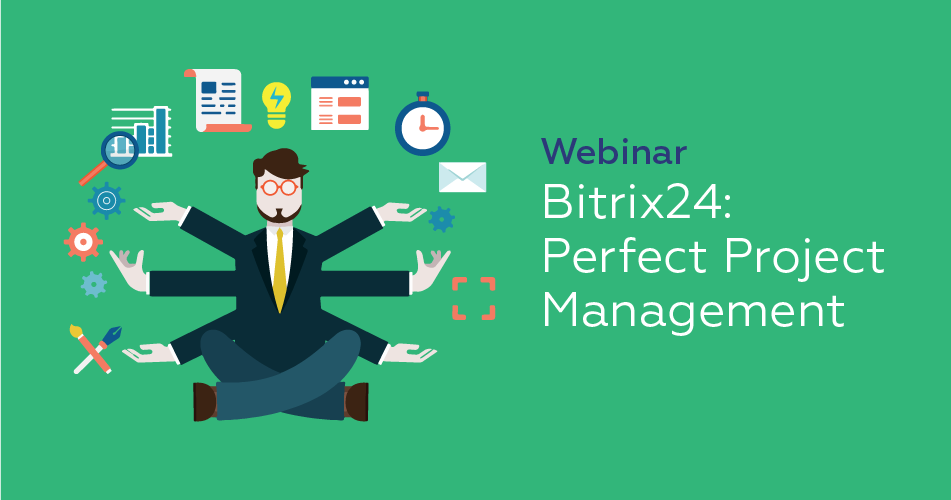
Free webinars
Our free weekly Bitrix24 webinars are a great way to learn about our platform and its capabilities.
RegisterBitrix24 partner assistance
If you need product consultation, an online demo, training, or assistance with customization, please contact your local Bitrix24 partner. They will adapt your cloud or self-hosted Bitrix24 to fit your needs.
Contact Bitrix24 partner