Views: 6612
Last Modified: 10.10.2012
To start installation:
- Download Bitrix Site Manager installation package to your server or computer.
- Extract files from the archive to the root folder of your site.
- Open http://<your_site>/index.php in your browser (replace here <your_site> with the real address of your site).
- Follow the installation wizard instructions.
The first wizard window informs you that the installation is starting and displays the basic information about the product.
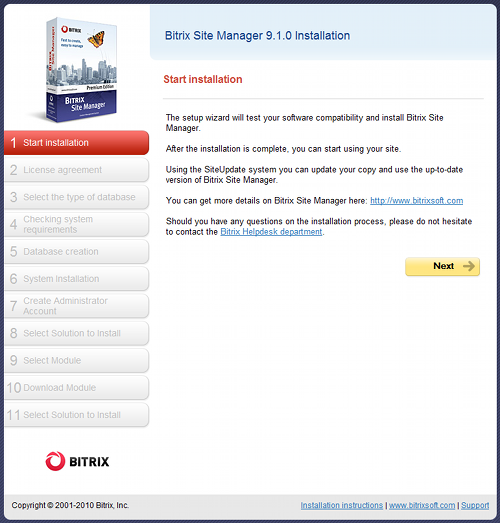
Click Next to continue installation.