Views: 6089
Last Modified: 29.08.2013
You can change page property values in the special form when editing a page in the visual HTML editor or in the plain text editor in Administrative section.
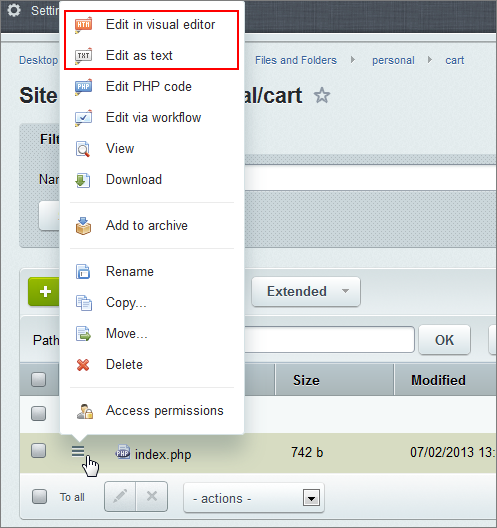
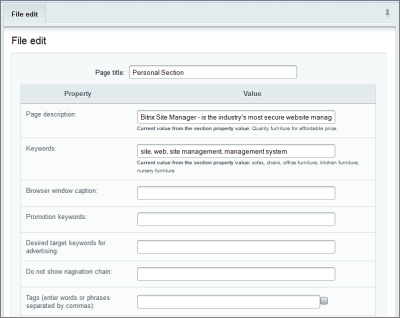
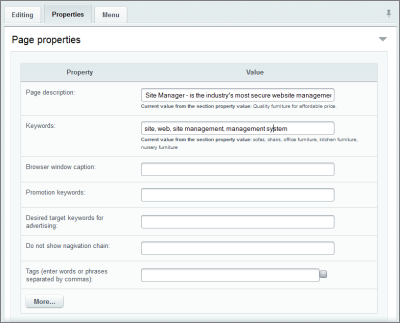
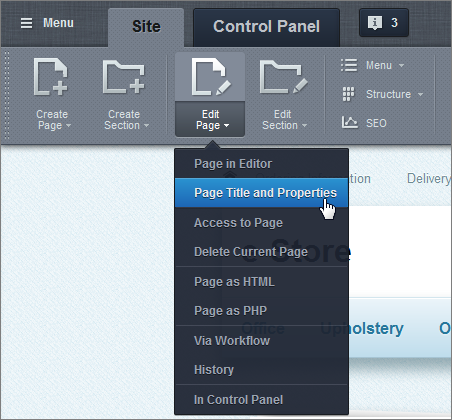
From the public section using the Page title and properties button, located on the administrative panel. This button opens editing form for current (opened at this moment) page.
Also page property values can be assigned during the page source code editing. To assign a property values use SetPageProperty() function:
< ?
…
$APPLICATION->SetPageProperty("keywords", "Site, web, site management, management system");
$APPLICATION->SetPageProperty("description", "Bitrix Site Manager – is a powerful Content Management Solution that enables users to effectively manage corporate web sites");
$APPLICATION->SetPageProperty("NOT_SHOW_NAV_CHAIN", "Y");
…
?>
For each page can be assigned additional set of properties. To do so:
- use empty form fields while editing page in text or HTML visual editor mode;
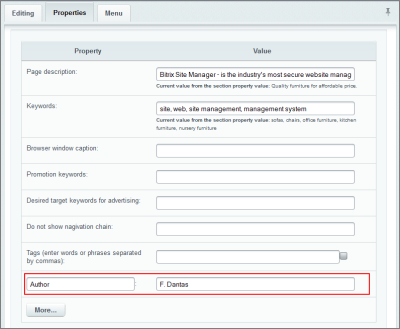
- use the
SetPageProperty() function while editing the page source code.
Additional page properties will be available only for current page.